

CNN, the BBC, Zoom and Japan’s Takeda Pharmaceutical have little in common from a customer’s point of view. Behind their websites, however, researchers found the same connection: Optimizely, a service that lets businesses test different versions of a page.
The incident reached visitors through code those sites already expected to load. That explains both its unusual reach and the difficulty of putting a figure on the damage.
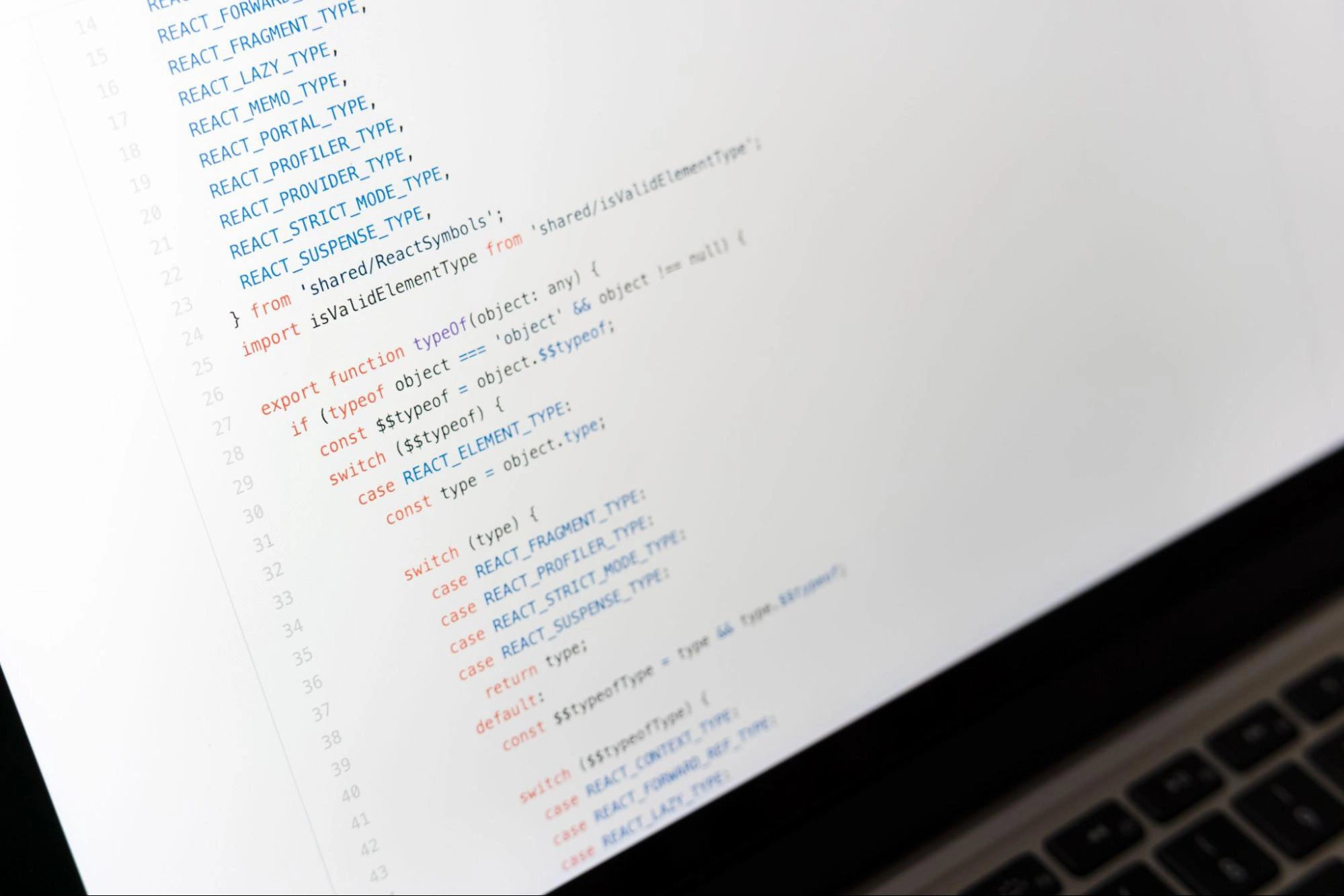
Figure 1: JavaScript displayed on a laptop screen. In the Optimizely incident, a compromised third-party script could change the wallet address a visitor copied from a legitimate website. Credit: REINER SCT
A Shared Testing Tool Carried the Code Across Unrelated Websites
A business might use Optimizely to see whether customers find a sign-up button more easily in one position than another. The visitor’s browser loads a small script to run the test. When that script changes, the browser can receive the new version on its next visit, even if the business has made no changes to its own page.
Security researcher Scott Helme and his team found malicious code in 188 of the 1,611 scripts they examined. The affected scripts belonged to 178 organisations. One organisation could account for more than one script, which is why the two counts differ.
The website script vulnerability mattered because the browser gave an outside service a role on a trusted page. Finding the script there did not, by itself, establish that someone had broken into the organisation’s internal systems.
Equifax, for instance, stopped using Optimizely and said its investigation had found no evidence that its own systems were compromised. Salesforce disabled the affected scripts while it investigated unauthorised changes.
Changing the Recipient Was Enough to Divert a Payment
Consider someone copying a wallet address to pay an invoice. Before approving the transfer, they check the address in their wallet against the one displayed on the website. The two match. Under ordinary circumstances, that check might catch a copying mistake. Here, both copies could be wrong.
The crypto stealing malware could alter the destination shown on the page as well as the address held in the clipboard. If the sender approved that transfer, the funds could go to the substituted address. The attacker did not need the sender’s private key for this to work: the sender was still the person authorising the payment.
That detail separates this case from scams that try to persuade wallet owners to hand over their recovery phrase. Crafmin’s coverage of the phishing scam that exploited Trezor’s support system describes another occasion when a familiar service gave users a reason to trust what they saw.
The Wallet Receipts Tell Only Part of the Story
| Finding | Reported figure | What it tells readers |
| Optimizely scripts examined | 1,611 | The size of the research team’s sample |
| Scripts carrying malicious code | 188 | The number of affected scripts found in that sample |
| Organisations associated with those scripts | 178 | The reach across website operators, not a count of individual victims |
| Deposits observed over roughly nine hours on 16 November | About USD 7,040 | An early tally of funds reaching attacker-linked wallets, not a final loss estimate |
Blockchain records can show that money arrived at an address. They do not say which website a sender visited or whether someone else saw the altered address and stopped before paying.
Nor would a crypto tally capture the other risks researchers identified: the code also had functions for collecting payment-card details, browser cookies and screenshots. Finding those functions does not establish how often they succeeded.
An Independent Address Check Can Catch What Copy and Paste Misses
For anyone making a transfer, the useful question is where the address used for comparison came from. A second look at the same compromised page offers little protection. An address confirmed separately with the intended recipient gives the sender something independent to check.
- Before sending crypto: Confirm the full destination address with the recipient through a separate, trusted channel. Compare it with the address on the wallet’s final approval screen.
- If a payment went to the wrong address: Save the transaction ID, time and website address. Contact the exchange or wallet provider through its official support channel.
- For website operators: Identify which outside scripts run on payment and account pages, who can change them and who is responsible for disabling them if an unexpected change appears.
The clearest lesson from this cryptocurrency theft attack concerns the last few seconds before payment. A familiar domain tells a visitor where they are browsing. It cannot, on its own, confirm who owns the wallet they are about to pay.
Also Read: SparkKitty Crypto Malware Targets Mobile Wallets
FAQs
Did All 178 Organisations Lose Cryptocurrency?
No such finding was reported. Researchers associated 178 organisations with affected website scripts. The money at risk in an address swap belonged to the person making the transfer, which could have been a visitor rather than the website operator.
Was USD 7,040 the Final Amount Stolen?
No. It was an early tally of deposits observed over roughly nine hours on 16 November. It did not measure the full duration of the incident or losses involving payment cards.
Would Exposure Have Been Avoided if You Typed the Web Address Correctly?
No. Typing the address yourself helps avoid a lookalike domain, but in this case legitimate pages loaded the affected third-party script. For a payment, the wallet destination needed its own independent check.
Could the Compromised Script Affect Visitors Who Didn’t Use Cryptocurrency?
Yes. The script could also capture payment-card details entered on an affected page. Visiting the site alone, however, does not establish that a visitor’s card information was stolen.
Disclaimer: This article reflects public reporting available on 17 November 2026. Researchers linked affected scripts to 178 organisations; that finding does not establish that any particular visitor lost funds or had personal information stolen. If you suspect an unauthorised payment, contact your bank, exchange or wallet provider through its official support channel.
